Introduction#
Homes allow players to set their own defined locations in any world and teleport to them using simple commands. This system is permission-based and highly configurable.
Configuration#
homes:
  # Default home name
  defaultHomeName: "home"
  # Time of teleportation to homes
teleportTimeToHomes: "5s"Limit homes based on permissions#
You can assign a maximum number of homes to specific permissions using the maxHomes section.
# Homes Section
homes:
  # Home limits per permission
  maxHomes:
    eternalcore.home.default: 1 # Default players: 1 home
    eternalcore.home.vip: 2 # VIP players: 2 homes
    eternalcore.home.premium: 3 # Premium players: 3 homes
    eternalcore.home.legend: 4 # Legend players: 4 homes
# You can define more with the format: eternalcore.home.<unique_name>Usage#
Setting a home#
/sethome [name]Teleporting to a home#
/home [name]Deleting a home#
/delhome [name]Listing homes#
/homeAdmin Commands#
The /homeadmin command group allows server staff and administrators to fully manage homes for other players.
/homeadmin list <player>
/homeadmin home <player> <home>
/homeadmin sethome <player> <home>
/homeadmin delhome <player> <home>Showcase#
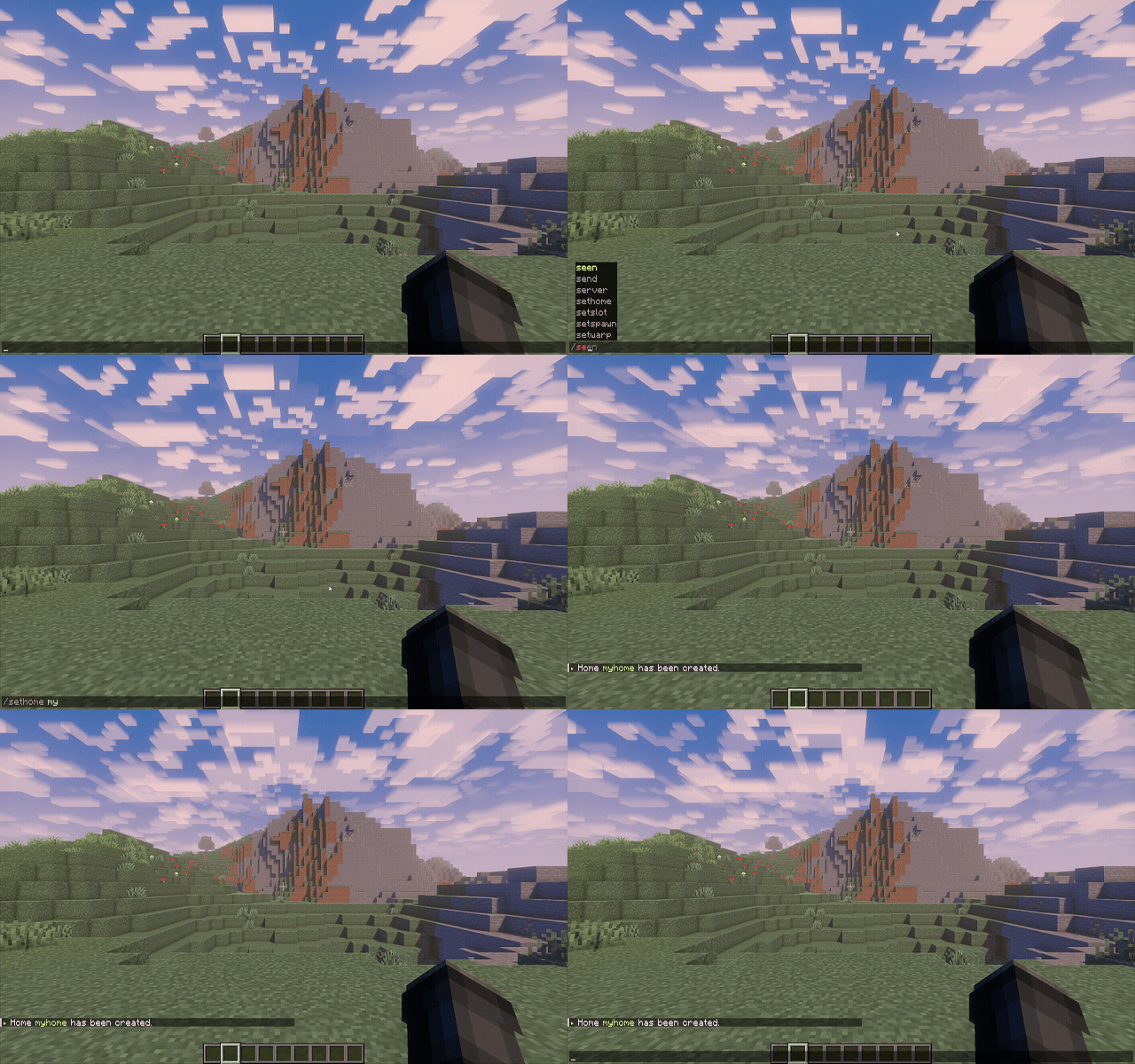
Setting a home with
/sethome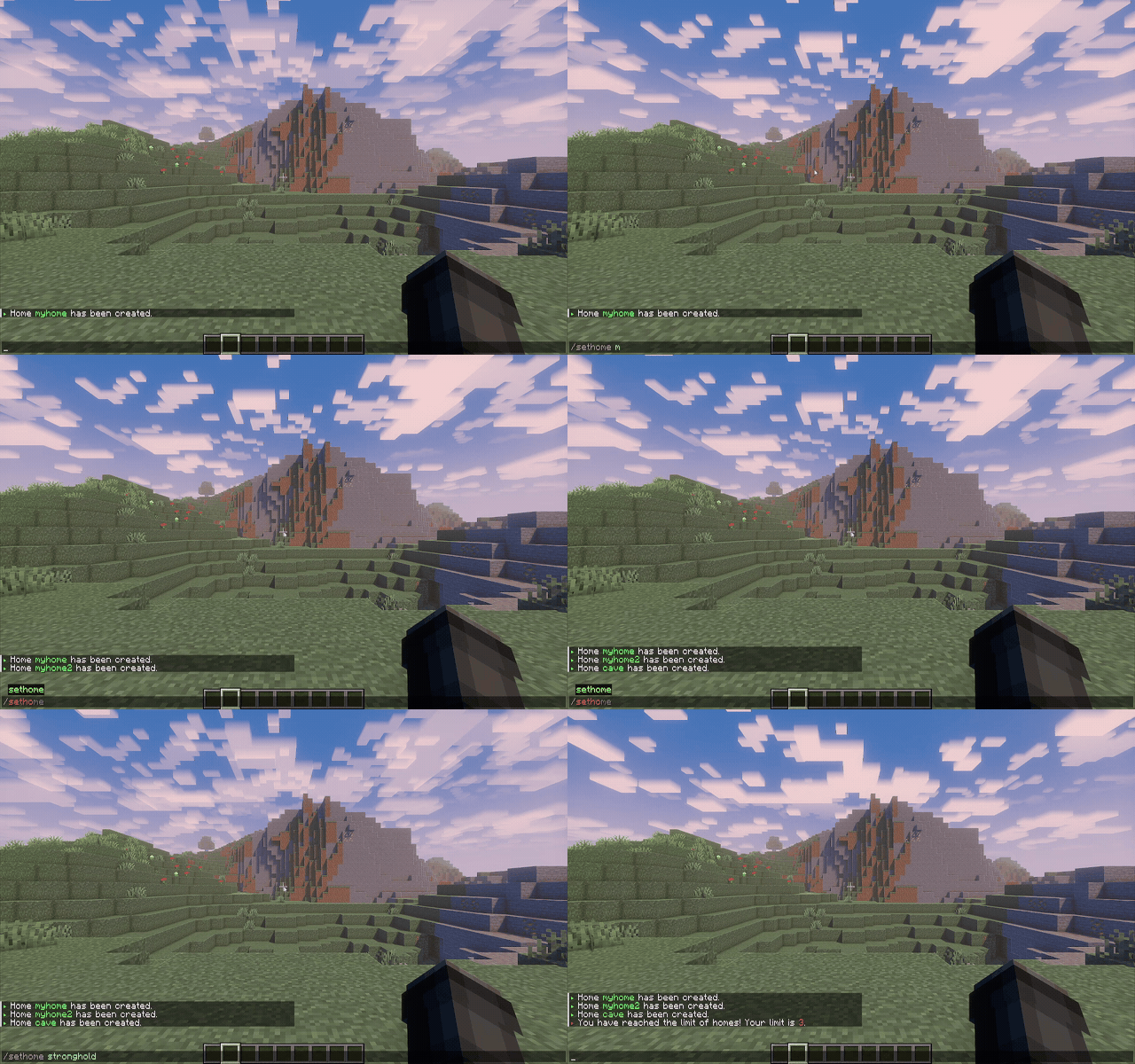
Home limit reached message
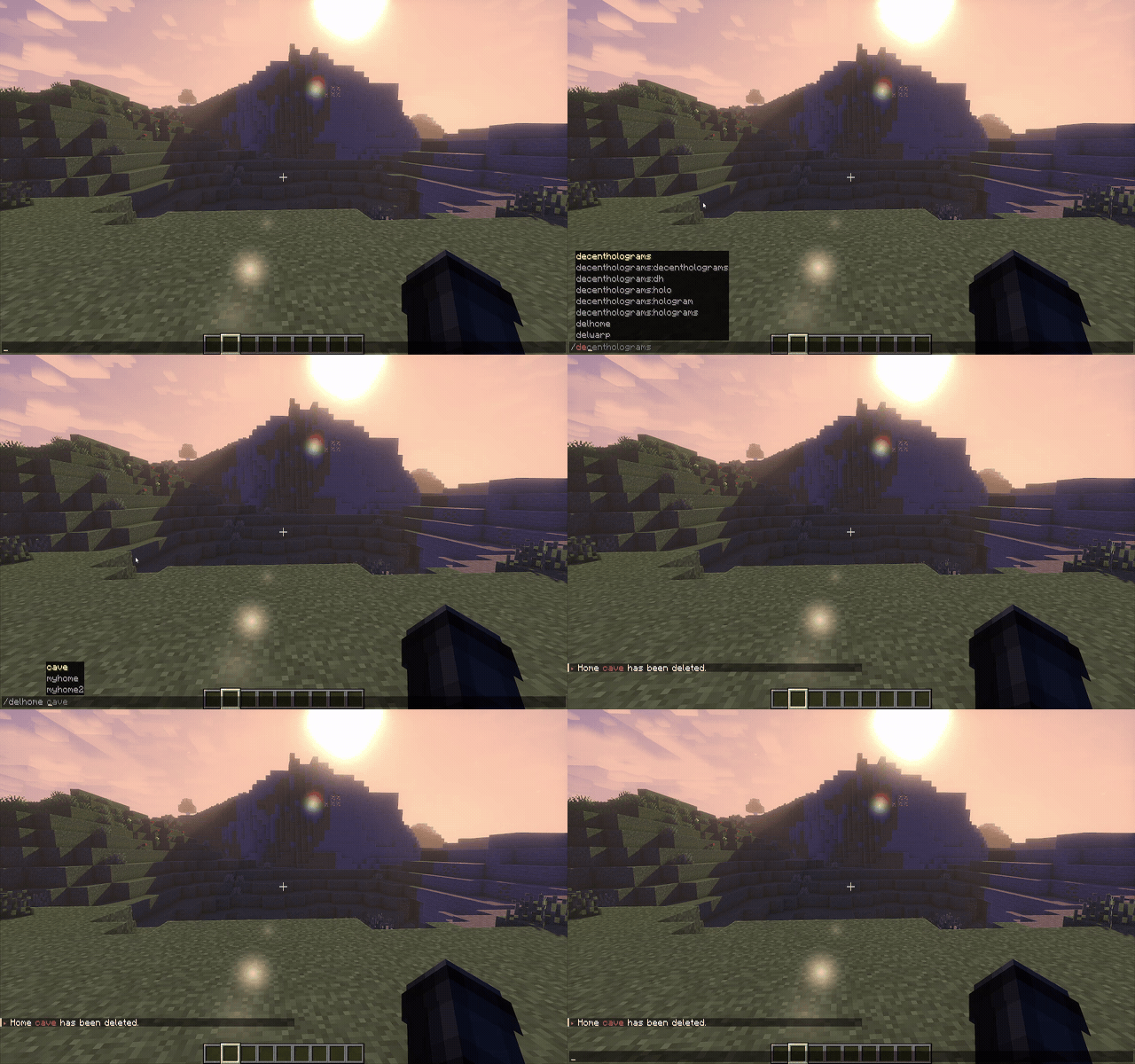
Deleting a home with
/delhome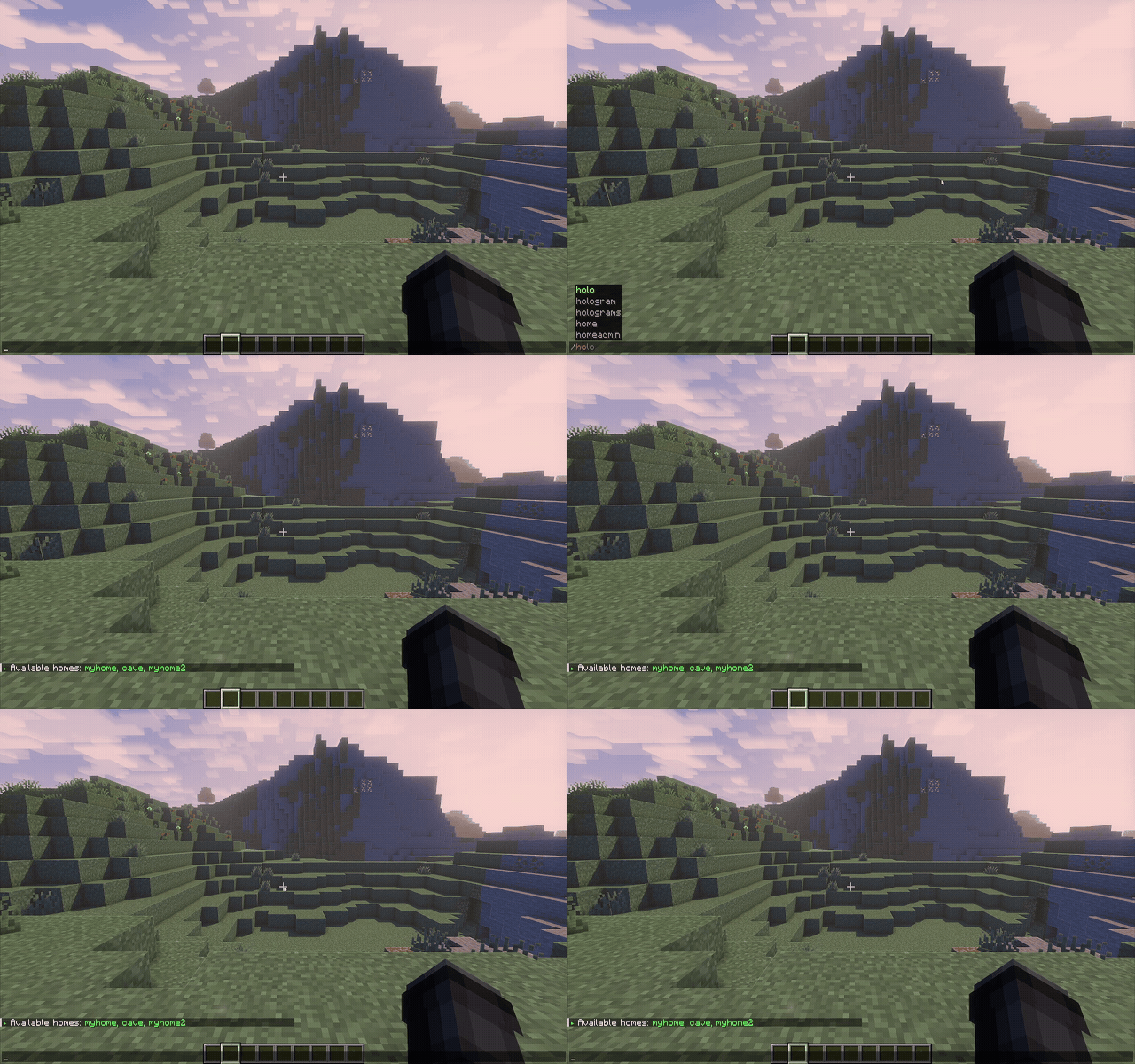
Listing homes with just
/homeHome Admin Example#
It's easy to manage homes for other players using the /homeadmin command group.
FAQ#
Q: What happens if a player loses permission to a higher home tier? A: The player will no longer be able to create new homes above their new limit, but existing homes won't be deleted.
Q: Can I disable teleport delay?
A: Yes, you can. To do that, set teleportTimeToHomes: "0s".